There are a few ways to remote access from outside PC or system back to home. The easily way to go is to setup Teamviewer at your home PC. Make your PC don’t sleep forever. Then when you are outside you can use tablet or smartphone with teamviewer software and key in your ID and password to access back to your PC.
The other way which is more completed is to open up RDP and setup a PC either XP or Vista or Windows 7 (Min requirement has to be Professional and above), fix an IP address to the PC and configure your router to open up 3389 PORT and do a map back to the PC.
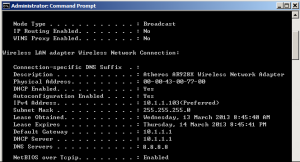
Example if you have a PC with IP address 192.168.100.55 you can set your router to do a port forwarding from external network any access to 3389 (the RDP port) transfer the information to IP address 192.168.100.55
The only one problem is if you are using dynamic IP address you might need to register a Dynamic DNS services which will allow the registered host name at dynamic services to point back to your router.
You should be able to google around for a free Dynamic services or click on this link and configure it up to use the services to point back to your router and access your pc.
Regards
Hickural